MCP-NATIVE QA FOR AI CODING AGENTS
TestMyVibe — The Quality Layer for AI-Built Software
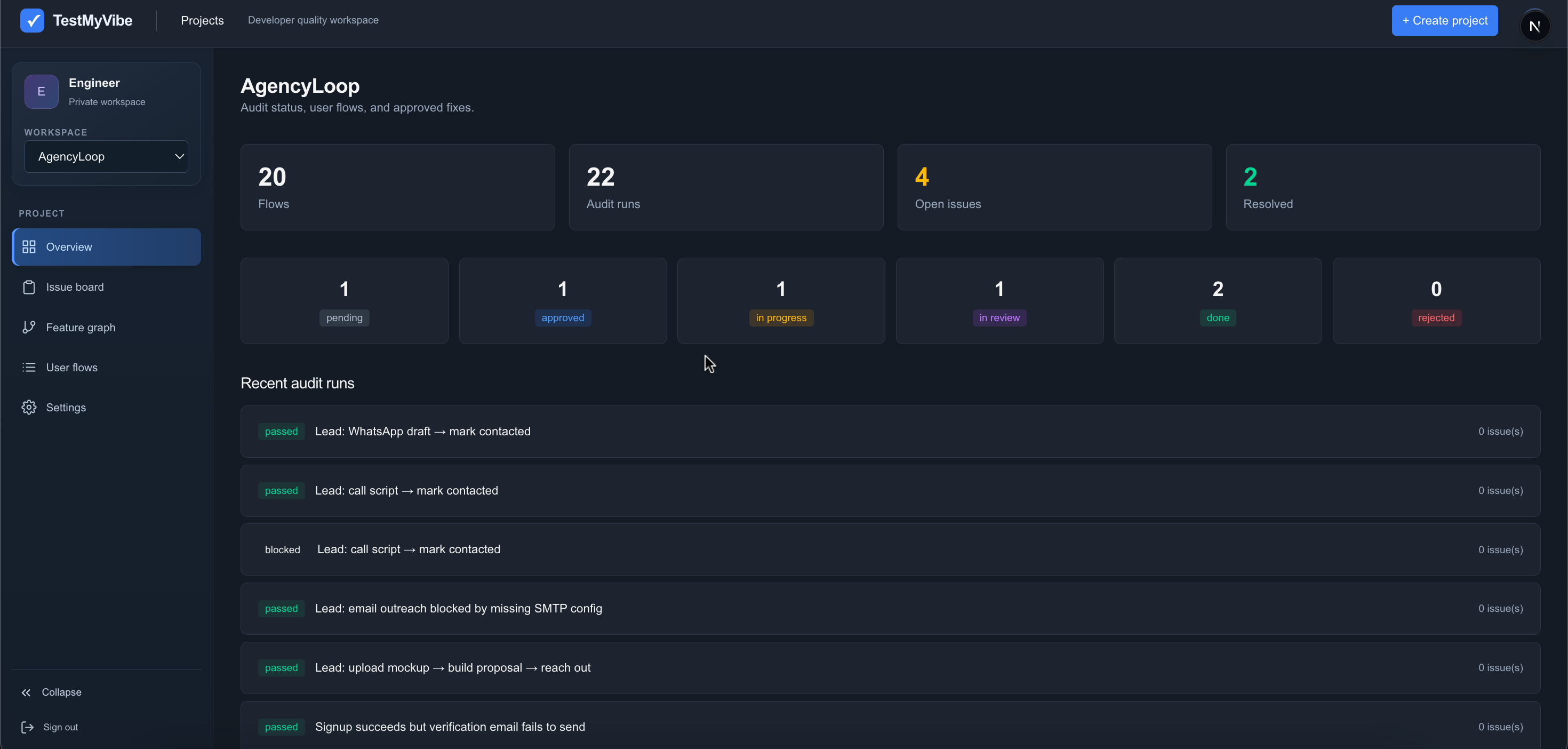
TestMyVibe is an MCP server that helps AI coding agents audit their own work — mapping your product into a feature graph, generating real user journeys, and verifying each one against the actual source before raising fixable issues.
Self-hostableMCP compatibleHuman approval built in

Audit your product flows
with AI ↗
Catch issues
early
Ship better
experiences
Let AI
find what
you miss ↗
HOW IT WORKS
Connect MCP and let your AI audit and test your Vibe Coded application.
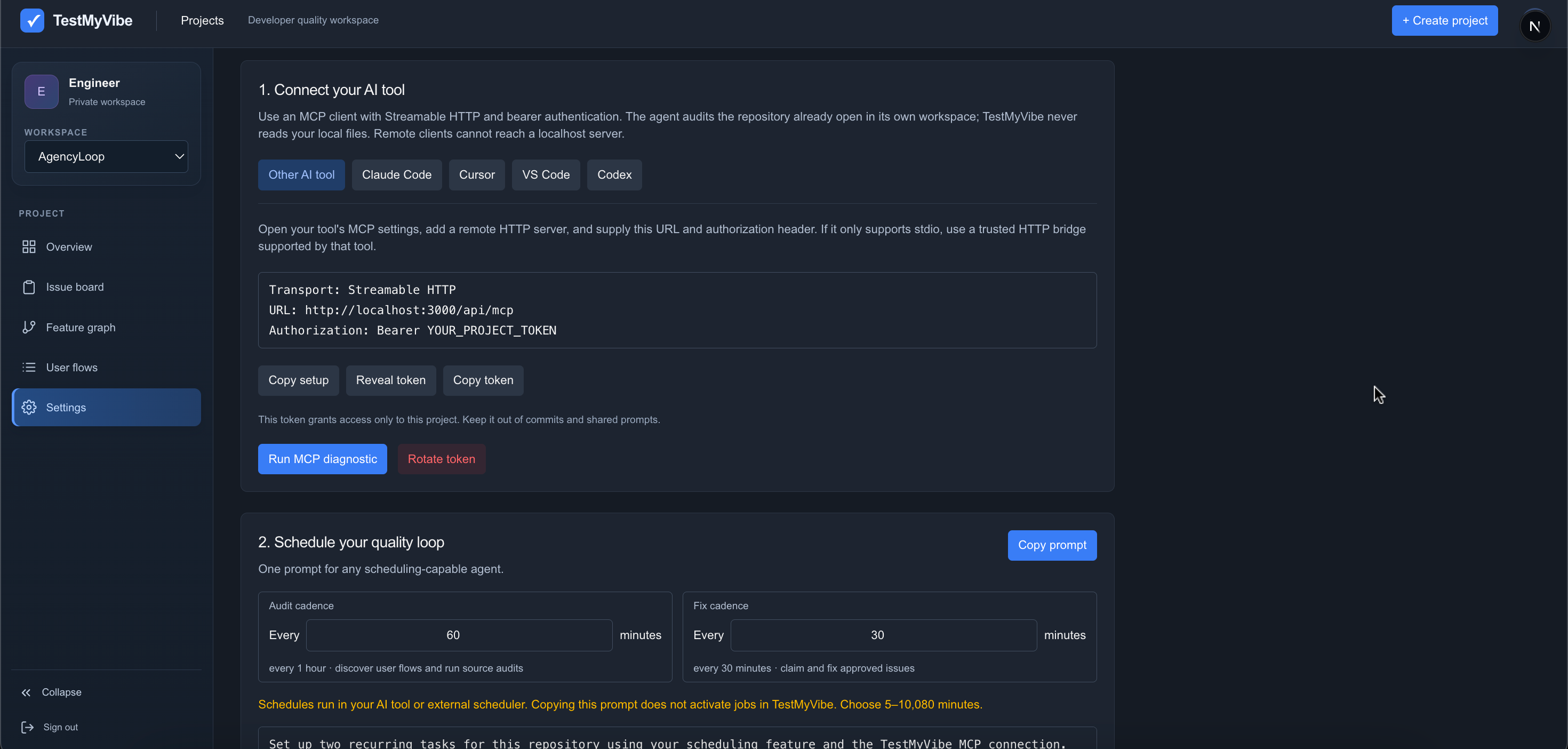
TestMyVibe doesn't read your code or run audits by itself — your own AI coding tool does that over MCP (Model Context Protocol). Create a project, copy its connection details from Settings into Claude Code, Cursor, VS Code, Codex, or any other MCP client, then ask it to get started. Everything below is what happens next.
01Connect an MCP
Add TestMyVibe's MCP server to your AI coding tool — Claude Code, Cursor, VS Code, Codex, or any MCP client — using the project token from Settings.
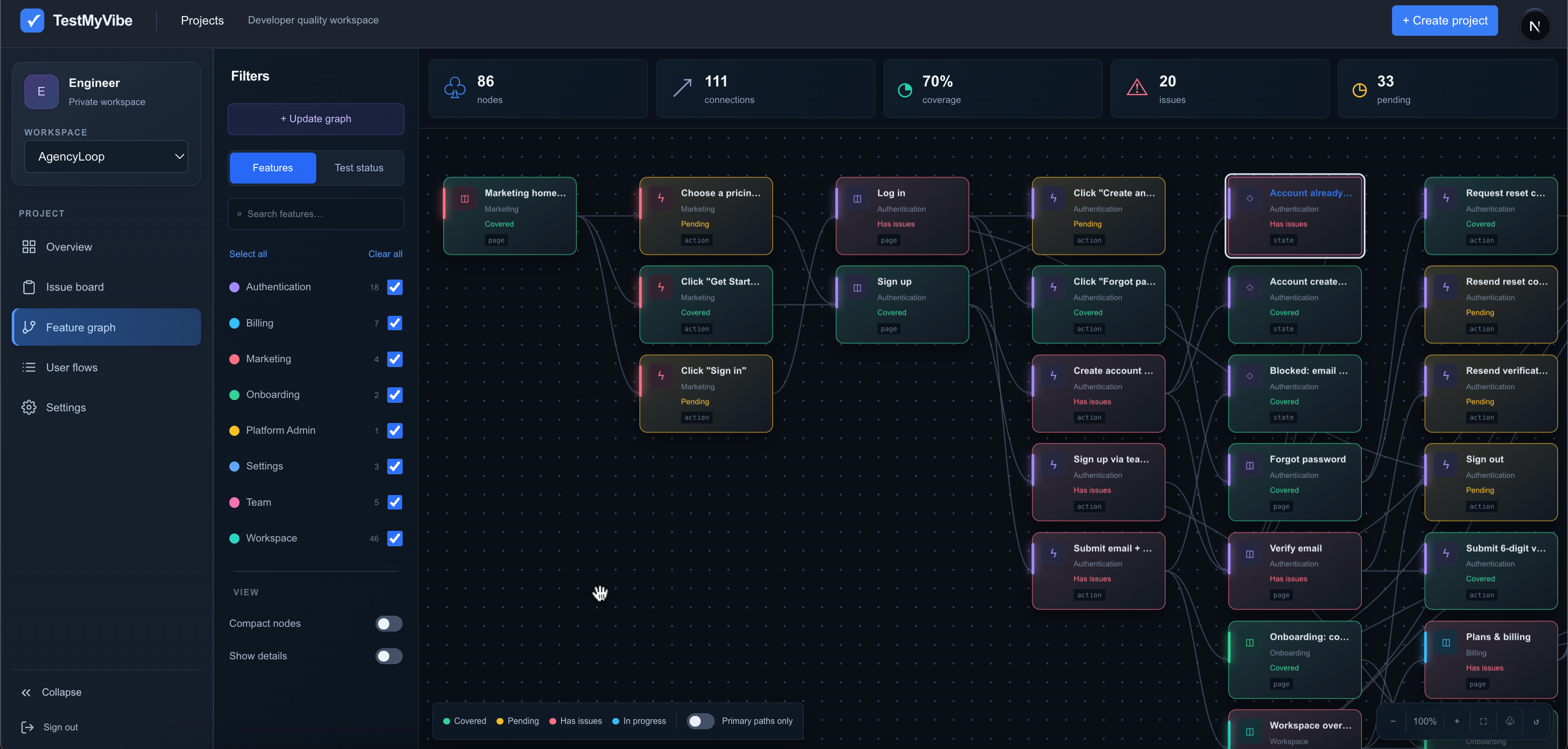
02AI builds your feature graph
Your connected agent reads the real source and maps every feature it finds into a scored graph of your product's surface area.
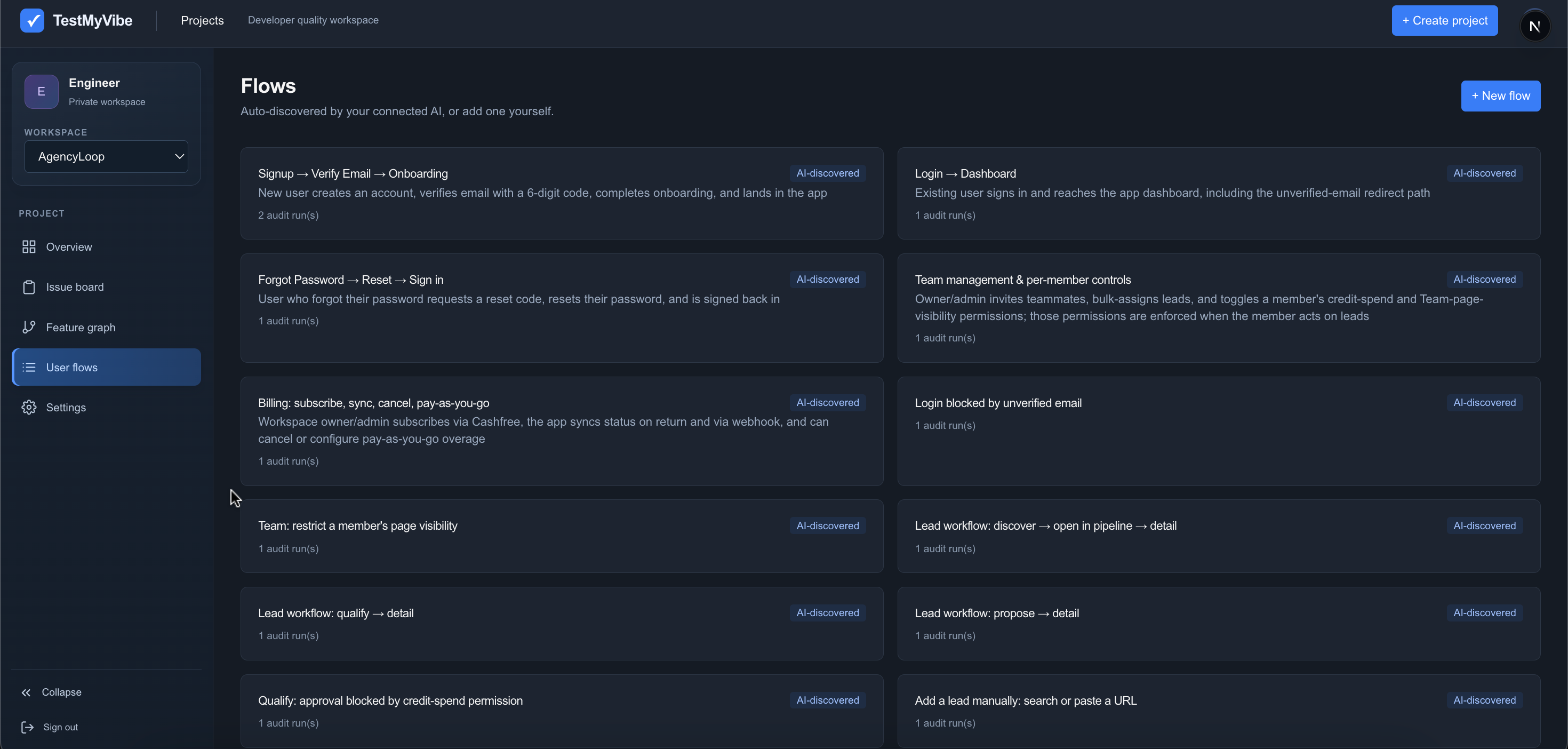
03AI generates user journeys
It turns that graph into concrete user flows worth testing — signup, checkout, settings, whatever your product actually does.
04AI audits each flow
Each step is checked against the real source, not guessed. Issues are raised with file references and a ready-to-paste fix prompt.
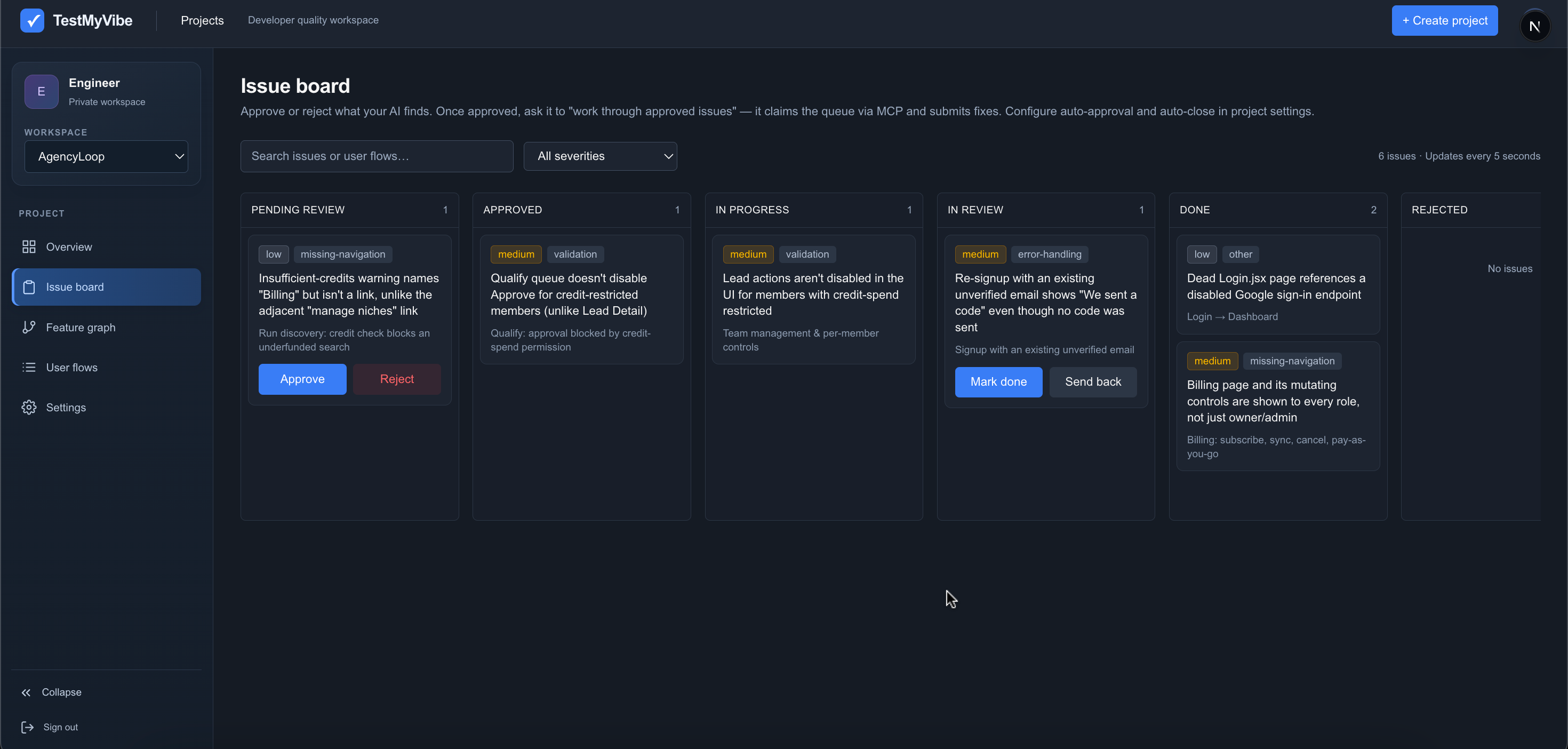
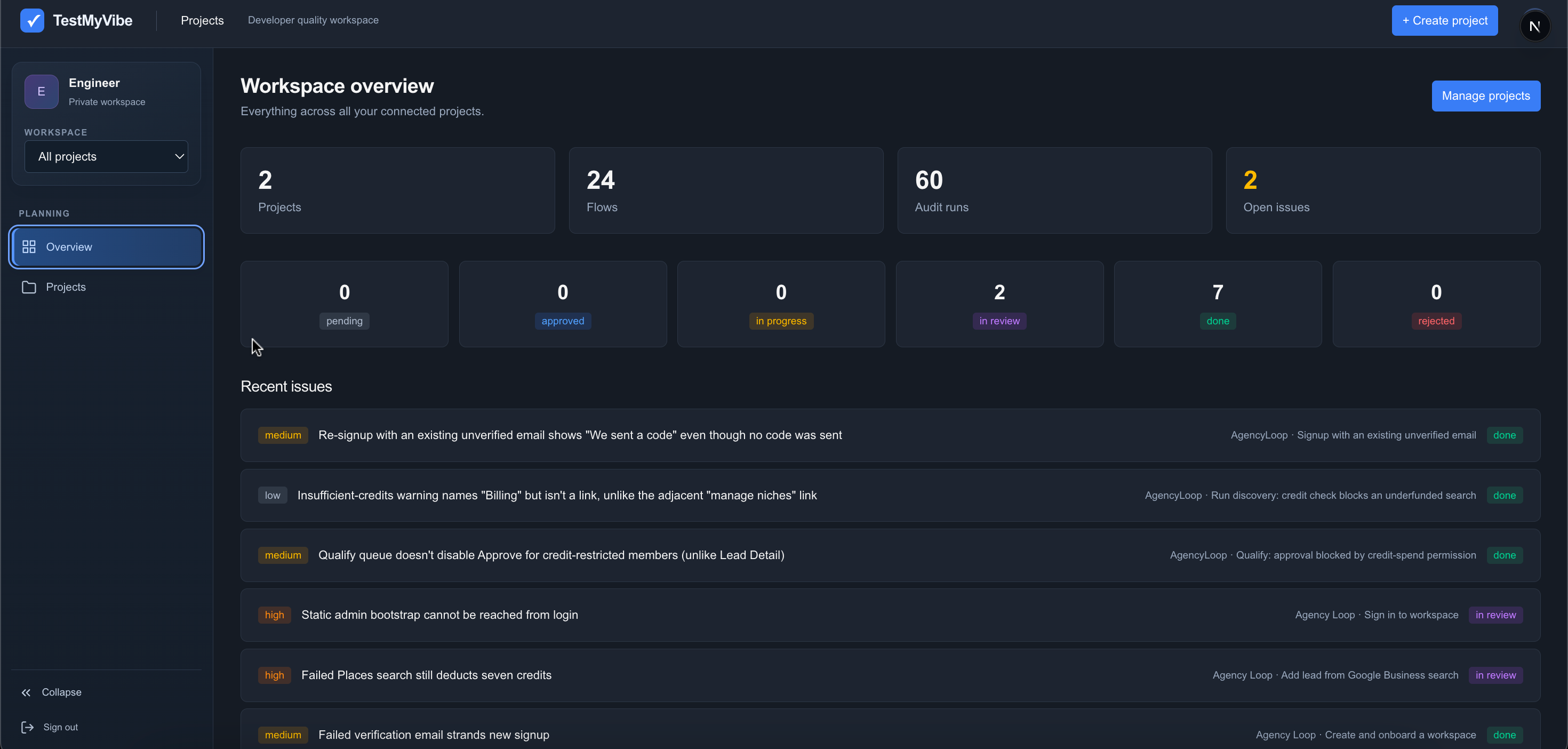
05Close issues on the kanban board
Approve or reject findings, let your agent claim and fix approved work, then review the change before marking it done.
WHO'S BEHIND THIS
Made by Shubh Palan.
TestMyVibe is an independent project I designed and built end to end — from the first idea and product strategy to the AI workflows and the dashboard you're using right now. I enjoy turning tedious engineering busywork into tools that just work.
Let's talk →